PowerDNS + HostBill = start your Managed DNS Hosting business!

PowerDNS is the best open-source DNS Server. Start your own Managed DNS hosting service with HostBill and PowerDNS,
a full-featured, white-label, free DNS solution.


Fully featured client interface

With HostBill your clients will have full control over their DNS zones, with ability to:

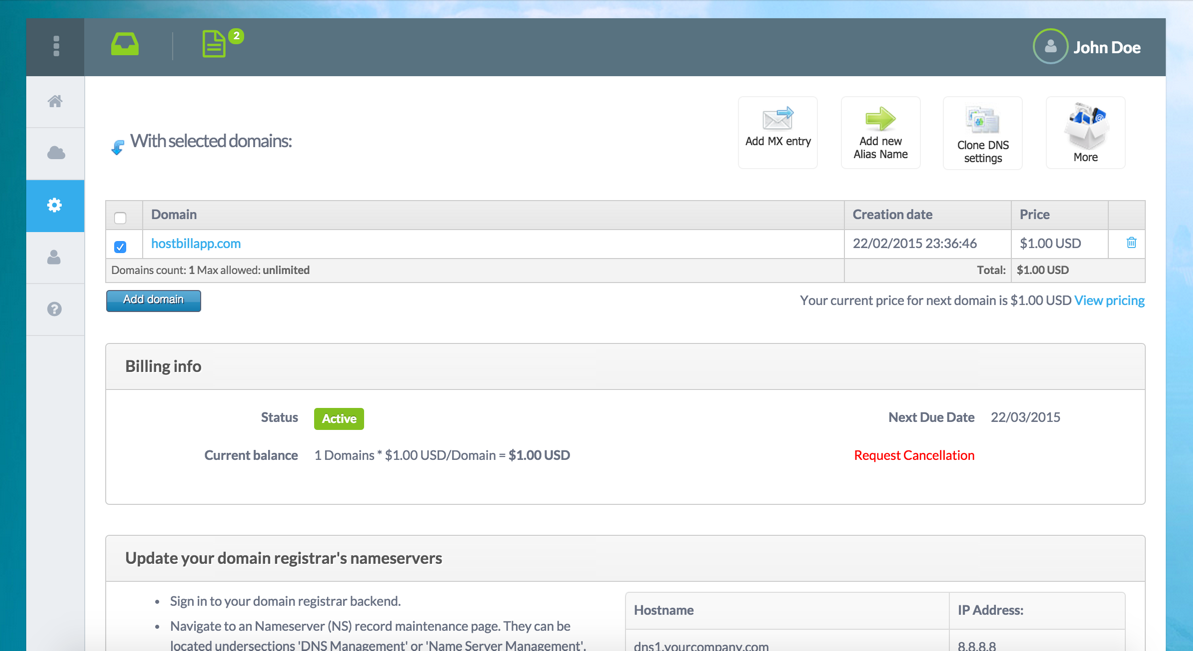
  • Add/edit/remove DNS zones
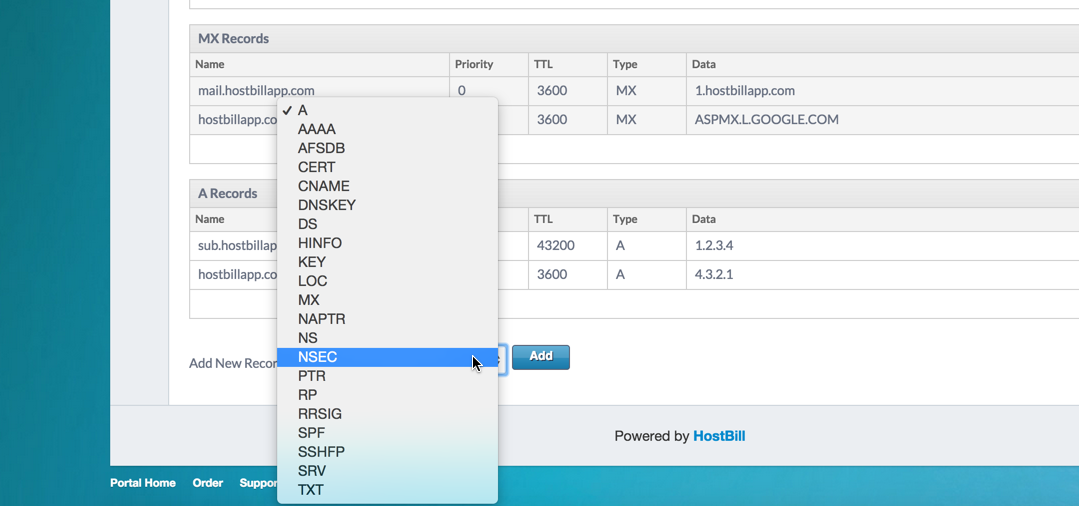
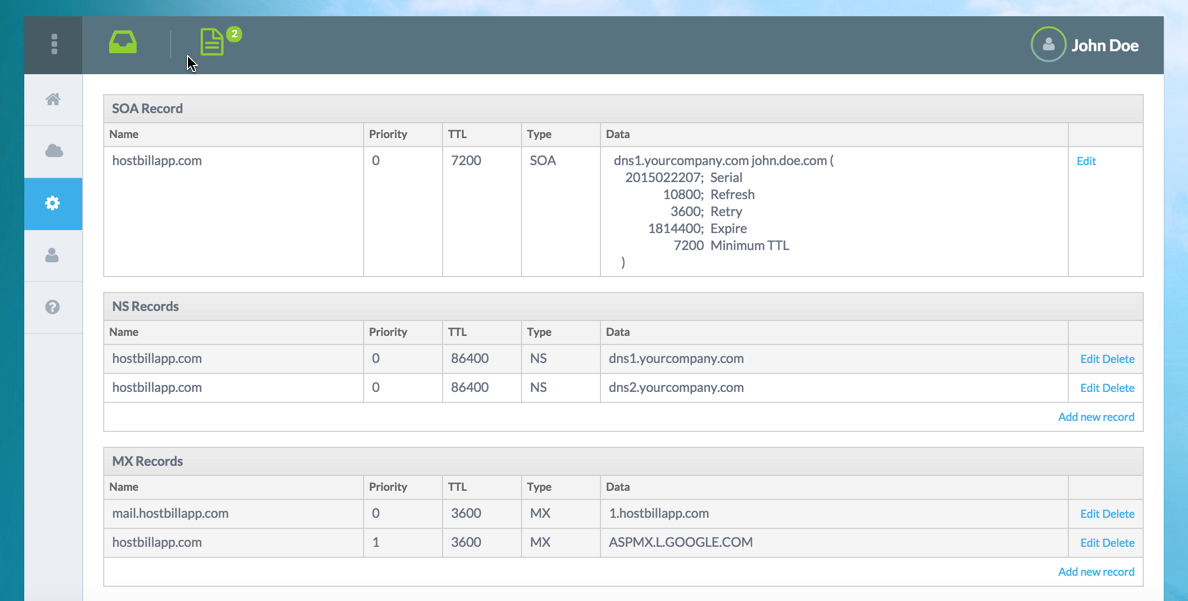
  • Add/edit/remove all available DNS records
  • Clone zone records between domains
  • Use predefined DNS Templates

Automated solution

As with other integrated hosting solutions, HostBill can automatically provision DNS account for your client.

  • Auto-provision DNS accounts
  • New SOA records are configured automatically
  • Automatically update SOA records

Offer free, recurring or pay-per domain DNS service

HostBill offers multiple billing models, best suited for DNS services is Metered Billing:

  • Define own pricing tiers
  • Use different pricing schemes - pay per tier, per domain
  • Multiple billing cycles available

Automated reports - billing under control

With Metered Billing enabled HostBill can send detailed reports to staff members, to keep DNS usage under control. Customers can also receive detailed domain usage report before receiving invoice for usage.

Create re-usable DNS templates

Create great service with DNS templates - add Google mail and other common used templates for faster DNS zone setup. Import / export your templates for future use with other products and preview zone settings created from DNS template

Apply templates to your domains

Your clients can apply DNS templates to domain when adding it, or after creation to all owned domains at once.

Installing HostBill

HostBill installation is fully automated and takes just seconds, more info at http://hostbillapp.com/install/

Installing PowerDNS

PowerDNS installation guide can be found at http://doc.powerdns.com/.
You need to install and configure PowerDNS with MySQL backend. For testing purposes you can use our quick PowerDNS installer for Centos 6.0, 64bit - read more.

Connecting HostBill with PowerDNS

  1. In HostBill go to Settings > Modules, find and activate PowerDNS hosting module
  2. You will be redirected to Settings > Apps to set connection with PowerDNS
  3. Enter PowerDNS MySQL database credentials, use Test Connection to check if HostBill can connect

Creating your first Managed DNS package

  1. In HostBill go to Settings > Products & Services, and Add new order page
  2. From Order Types select PowerDNS
  3. After creating order page add new product in it, provide name & Save changes
  4. In product configuration section proceed to Connect with App, select PowerDNS module and App server created in previous steps.
  5. Enter number of domains your client can add, provide nameservers that will be used with new zones and appear in clientarea.
  6. Submit changes, your package is ready